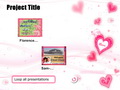
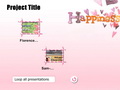
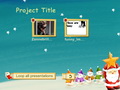
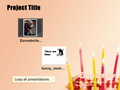
1. Menu Templates - Requirement: PPT2DVD 5.0 to 5.5  Download Now
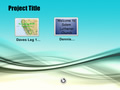
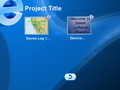
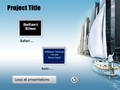
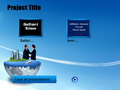
How to add the new Menu Templates to PPT2DVD?
1. Install the ppt2dvd_resource.exe software pack
2. Then the Menu Templates will be installed to your Menu Style List automatically
3. Done, now you can use the menus templates from the Menu Style List in PPT2DVD
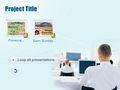
For Business
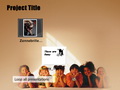
For Family
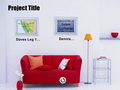
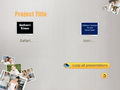
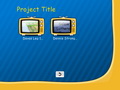
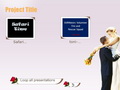
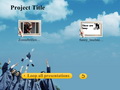
For Celebration
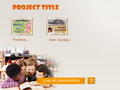
For Education
2. Menu Frames - Requirement: PPT2DVD 4.0 to 4.7.4 Download Now
How to add the new Menu Frames to PPT2DVD?
1. Copy the Menu frame files to Your PPT2DVD installation folder\Frames\
2. Copy the Menu frame files to Your PPT2DVD installation folder\Frames\png\
3. Done, now you can use the menus frames from the menu list in PPT2DVD
Samples from the exclusive PPT2DVD 4.0 Menu Frames




3. Menu Backgrounds - Requirement: PPT2DVD 4.0 to 4.7.4 Download Now
How to add the new Menu Backgrounds to PPT2DVD?
1. Copy the downloaded files to Your PPT2DVD installation folder\Pictures\
2. Done, now you can use the menus backgrounds from the menu list in PPT2DVD
Samples from the exclusive PPT2DVD 4.0 Menu Backgrounds




Download with Confidence

Download FAQs
Products List
